consumer electronics · Buying guide
Wi-Fi 6 vs Wi-Fi 6E vs Wi-Fi 7: What Should You Buy?
The newest Wi-Fi label is not automatically the best upgrade. Your devices, home layout, interference, internet plan, and wired backhaul determine the result.
At a glance
The short answer
Wi-Fi 6 remains adequate for many homes, Wi-Fi 6E adds access to 6GHz for compatible clients, and Wi-Fi 7 adds capabilities such as 320MHz channels and multi-link operation. Buy for your actual client mix and backhaul plan.
- Who this helps
- Households replacing an aging router or planning a multi-gigabit local network.
- When this may not apply
- Your current network is stable and the bottleneck is coverage placement or the internet service itself.
- Main caveat
- New features help only when both router and client support them and local spectrum rules permit the relevant band.
Why this guide matters
Router boxes advertise enormous aggregate rates that no single device necessarily reaches. A useful upgrade decision separates radio generation from frequency band, client capability, coverage, congestion, Ethernet port speed, and the connection to the internet.
Understand the three labels
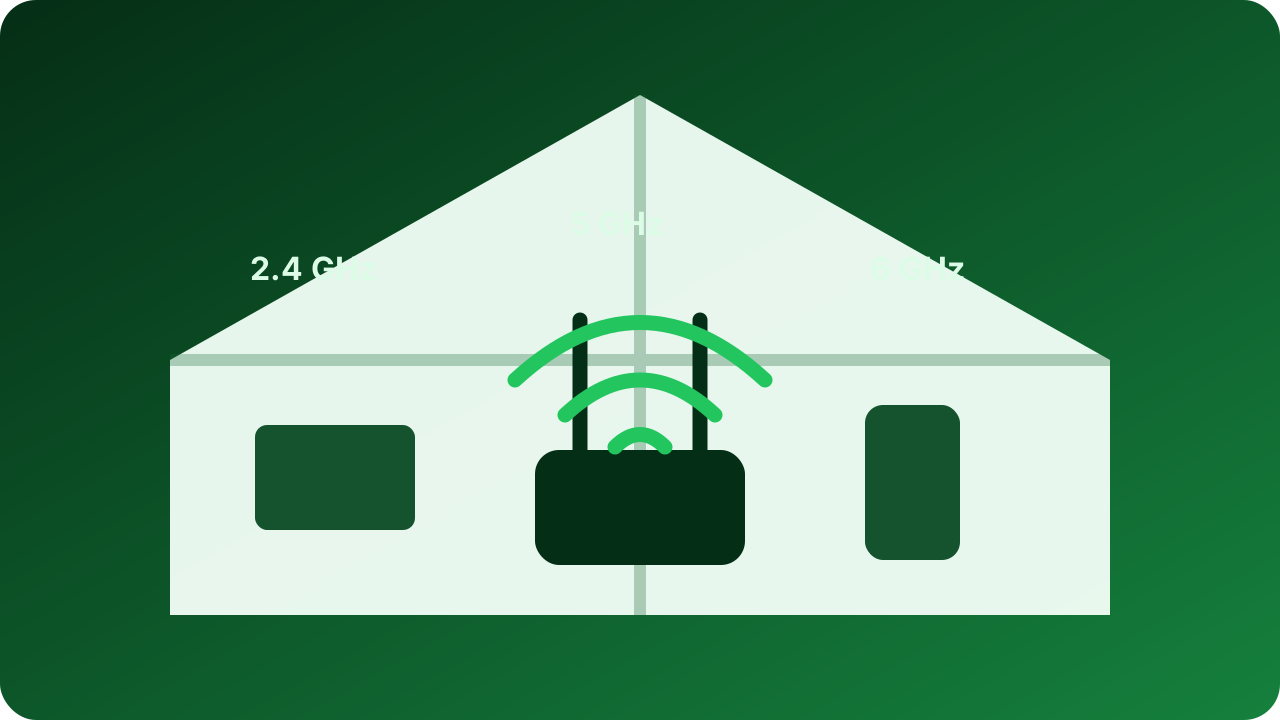
Wi-Fi 6 operates in the familiar 2.4GHz and 5GHz bands. Wi-Fi 6E extends the Wi-Fi 6 feature set into the 6GHz band, giving compatible devices additional spectrum and less legacy-device contention. It does not make an older Wi-Fi 6 client use 6GHz.
Wi-Fi 7 builds on the tri-band environment and can add 320MHz channels, higher-order modulation, and multi-link operation. Intel’s current comparison lists 2.4, 5, and 6GHz support for Wi-Fi 7 and 6E, while Wi-Fi 6 is dual-band. These are maximum capabilities, not a promise that every router, client, or country enables every option.
- Wi-Fi 6: broad compatibility and strong value for ordinary broadband.
- Wi-Fi 6E: useful when compatible 6GHz clients need cleaner nearby spectrum.
- Wi-Fi 7: most relevant for new compatible clients, fast local transfers, low-latency workloads, or long replacement cycles.
Coverage can matter more than generation
Higher-frequency 6GHz connections are valuable at short range but do not eliminate walls, distance, or poor access-point placement. A centrally placed Wi-Fi 6 router may outperform a premium router hidden in a cabinet at one end of the home.
For larger spaces, plan access-point locations and backhaul. Wired Ethernet backhaul preserves wireless airtime for clients. Wireless mesh can be convenient, but each node still needs a strong path to the rest of the network; adding nodes in dead zones does not create a good upstream signal.
- Place access points in open, elevated, central locations.
- Use wired backhaul where practical.
- Solve interference and coverage before chasing peak link-rate labels.
Check the wired side and your clients
A fast wireless link can still be constrained by a 1Gbps internet port, slow Ethernet backhaul, an older client radio, or a distant server. Inventory the devices that move the most data and confirm which bands, channel widths, and generations they support.
Security updates and vendor support are as important as peak speed. Choose a router with a clear update policy, modern security support, enough Ethernet capacity for the planned internet service, and controls you can maintain. A stable supported platform is a better purchase than an impressive specification sheet with uncertain software support.
- List high-use clients and their actual Wi-Fi generation.
- Match WAN and LAN port speeds to the internet and local storage plan.
- Confirm firmware-update policy, guest networking, and security controls.
Key considerations
- Client compatibility
- Count the devices that can actually use 6GHz or Wi-Fi 7 features.
- Coverage plan
- Choose access-point count and placement from floor plan and construction, not only square-foot marketing.
- Wired ports and backhaul
- Avoid bottlenecking multi-gigabit service or network storage with slower Ethernet links.
- Software support
- Prioritize security updates, configuration clarity, and a support horizon appropriate for infrastructure.
How we researched this guide
We compared Intel’s current Wi-Fi technology and product-generation guidance, then translated theoretical capabilities into a home-network checklist. We do not use vendor maximum link rates as measured whole-home throughput.
Frequently asked questions
Can a Wi-Fi 6 phone use the 6GHz band?
Ordinary Wi-Fi 6 support does not imply 6GHz support. The client needs Wi-Fi 6E or compatible Wi-Fi 7 capability and must operate where 6GHz use is enabled.
Will Wi-Fi 7 make my internet faster?
Only if Wi-Fi is the bottleneck and compatible clients can use the improved link. Your internet plan, modem, Ethernet ports, server, distance, and interference can still set lower limits.
Is a mesh system always better than one router?
No. Mesh helps distribute coverage, but node placement and backhaul quality are critical. A well-positioned single access point may be better for a smaller home.
Should I replace Wi-Fi 6 immediately?
Not if coverage, stability, and speed already meet your needs. Upgrade when client mix, spectrum congestion, support status, or faster wired service creates a concrete reason.
The takeaway
Buy Wi-Fi 6 for mature value, Wi-Fi 6E when several nearby clients can benefit from 6GHz, and Wi-Fi 7 when you have compatible devices or want infrastructure for a longer upgrade cycle. Spend first on placement, backhaul, and support—not the largest number on the box.
Sources
Primary references checked by the editorial team. Product availability and standards may change.
- Wi-Fi Technology Guide — Intel (accessed 2026-08-29)
- Intel Wi-Fi 6E Product Overview and Generation Comparison — Intel (accessed 2026-08-29)