consumer electronics · Buying guide
HDR Monitor Buying Guide: What the Badges Really Mean
An HDR input badge says less than many buyers expect. Certified performance tiers, dimming behavior, black level, and sustained brightness reveal more.
At a glance
The short answer
Verify genuine VESA DisplayHDR certification, then compare dimming, black level, color coverage, peak and sustained brightness, panel behavior, and the needs of your actual content.
- Who this helps
- PC buyers comparing monitors for games, movies, or HDR content work.
- When this may not apply
- Your priority is ordinary office work where ergonomics, text clarity, and SDR accuracy matter more.
- Main caveat
- HDR format acceptance does not guarantee strong contrast or a visible improvement over SDR.
Why this guide matters
Monitor marketing often places “HDR” beside an input-format claim without explaining the screen’s ability to produce bright highlights and dark shadows at the same time. A performance-based checklist separates signal compatibility from visible image quality.
HDR10 input is not a performance tier
A monitor may accept an HDR10 signal yet have limited brightness, color, or contrast. VESA explains that DisplayHDR certification adds front-of-screen performance tests beyond accepting the HDR10 protocol. Buyers should look for the complete DisplayHDR name and tier, not an ambiguous phrase such as “HDR-400.”
VESA’s current DisplayHDR and DisplayHDR True Black tiers test multiple characteristics, including peak and sustained luminance, black level, color behavior, bit depth, rise time, and dimming. The tier is a baseline, not a complete review, but it gives a verified comparison point.
- HDR10 support: the monitor can accept a common HDR signal.
- DisplayHDR certification: tested performance requirements at a named tier.
- Unverified “HDR-ready” wording: investigate before treating it as an image-quality claim.
Contrast and dimming drive the experience
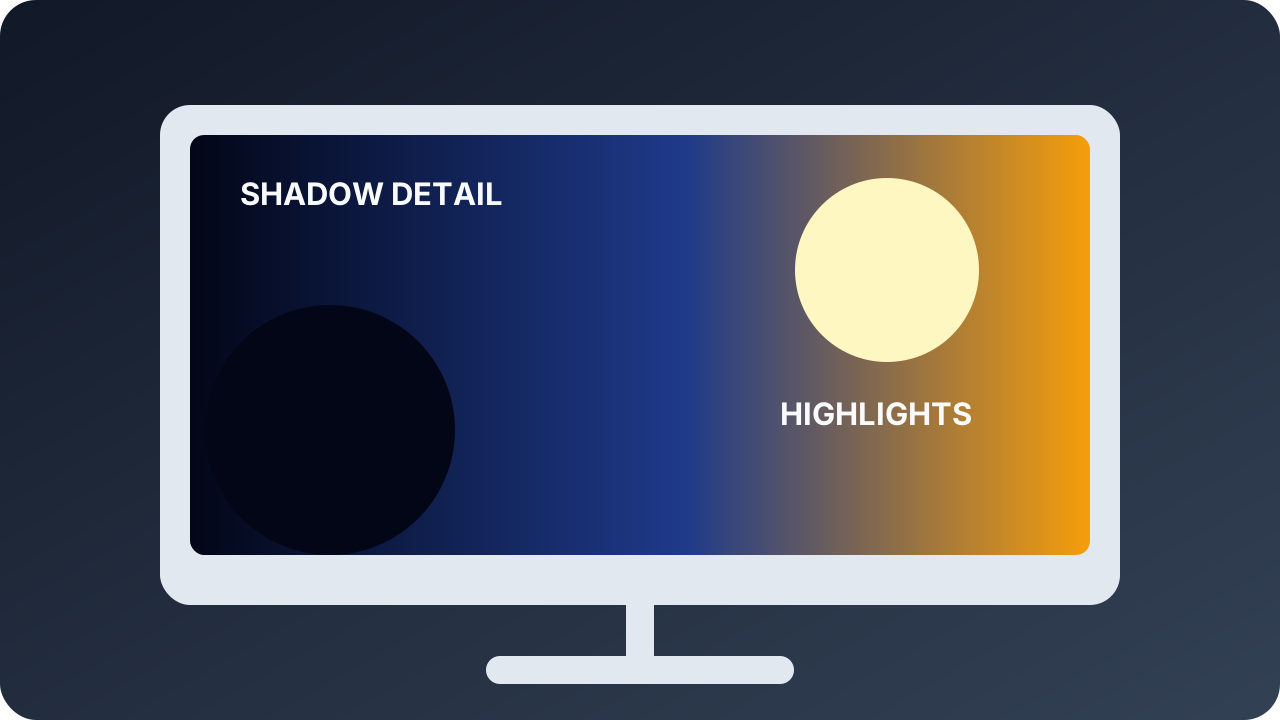
HDR impact depends on showing highlights and shadows together. For LCDs, local dimming can reduce backlight output in dark regions while preserving bright highlights elsewhere. A small number of broad zones may still create halos around bright objects, so zone behavior matters beyond the existence of a dimming checkbox.
Emissive displays such as OLED control light per pixel and are covered by DisplayHDR True Black tiers. They can provide very low black levels, but buyers should also consider full-screen brightness behavior, room lighting, static-content use, warranty terms, and any panel-care features relevant to their workload.
- For dark-room movies: prioritize black level and controlled blooming.
- For bright-room games: balance highlight brightness with reflections and sustained output.
- For creation: prioritize repeatable accuracy and a tier appropriate to the mastering target.
Check the full PC signal path
HDR requires a compatible GPU, operating-system configuration, display, and connection. VESA lists DisplayPort 1.2 or later, USB-C with DisplayPort Alt Mode, Thunderbolt 3, and HDMI 2.0a or 2.1 among interfaces that can carry HDR, but resolution and refresh-rate combinations still depend on bandwidth and implementation.
Decide the required resolution, refresh rate, color format, and bit depth, then verify that the GPU port, cable, and monitor input support that combination. A monitor can have excellent panel performance but still be a poor fit if the intended console or computer cannot deliver the desired mode through the selected input.
- Verify the exact input needed for target resolution and refresh rate.
- Check variable-refresh behavior alongside HDR for gaming.
- Update the operating system and GPU driver before judging a new display.
Key considerations
- Certified tier
- Verify the exact DisplayHDR or DisplayHDR True Black certification in VESA’s product list.
- Dimming and black level
- Evaluate how the display handles simultaneous highlights, shadows, halos, and dark-room scenes.
- Sustained brightness and color
- Do not reduce HDR to one small-window peak number; consider stable output and gamut behavior.
- Signal compatibility
- Match GPU or console output, cable, input, resolution, refresh rate, and adaptive-sync needs.
How we researched this guide
We relied on VESA’s current DisplayHDR performance criteria and FAQ. We use certification as a verified baseline, not a substitute for model-specific measurements of blooming, accuracy, reflections, latency, or panel uniformity.
Frequently asked questions
Is DisplayHDR 400 real HDR?
It is a genuine entry-level VESA certification when the complete certified name is used. Higher tiers and True Black tiers impose stronger performance requirements, so choose for the intended use.
Is “HDR-400” the same as DisplayHDR 400?
Not necessarily. VESA warns that similar-looking terms may not indicate certification. Verify the exact product in the official certified-product list.
Do I need OLED for HDR?
No. Capable LCDs with effective local dimming can deliver strong HDR. OLED offers pixel-level light control but has different brightness, static-content, and ownership tradeoffs.
Why does HDR look washed out on a PC?
Possible causes include operating-system settings, SDR-to-HDR mapping, incorrect range or color settings, application behavior, cable or input limits, and the monitor’s own performance. Check the complete signal path.
The takeaway
Start with use case and room lighting, require a verifiable DisplayHDR tier, and then investigate the model’s dimming, black level, sustained brightness, color, and input behavior. Do not buy a monitor for an isolated peak-brightness claim or an unverified HDR badge.
Sources
Primary references checked by the editorial team. Product availability and standards may change.
- DisplayHDR Performance Criteria — VESA DisplayHDR (accessed 2026-08-29)
- DisplayHDR Frequently Asked Questions — VESA DisplayHDR (accessed 2026-08-29)