consumer electronics · Explainer
How to Extend Phone Battery Health Without Obsessing
Battery aging is unavoidable, but heat and long periods at full charge matter. Built-in charging optimization handles most of the routine work.
At a glance
The short answer
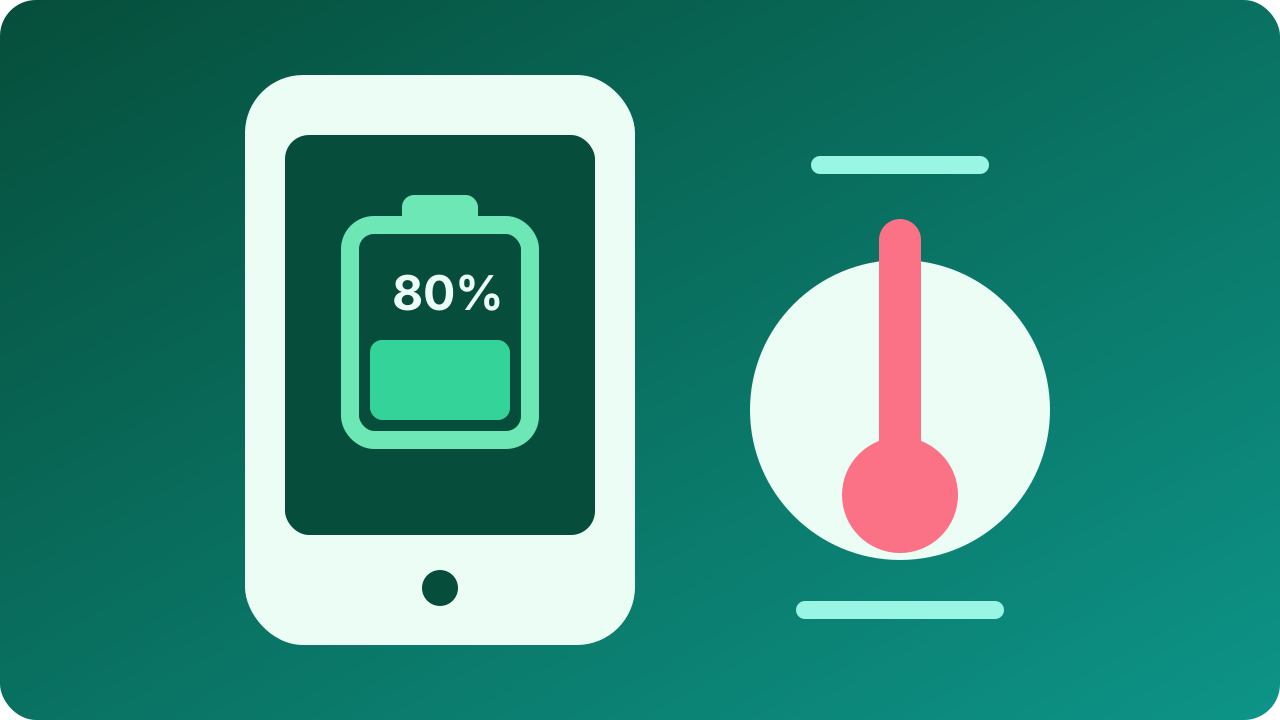
Keep the phone away from sustained heat, enable the manufacturer’s optimized charging feature, use an 80% limit when it fits your daily range, and prioritize a full useful day over constant percentage management.
- Who this helps
- Phone owners who want longer battery service life without rigid charging rituals.
- When this may not apply
- The battery is swollen, damaged, or causing the enclosure to separate; stop using the device and seek qualified service.
- Main caveat
- Lithium-ion batteries are consumable parts, and software features vary by model and operating-system version.
Why this guide matters
Battery advice often turns into absolute rules that make a phone inconvenient. Manufacturer guidance points to a simpler strategy: manage heat and time spent fully charged, use built-in optimization, and treat replacement as normal maintenance when capacity no longer supports the day.
Heat is the first condition to control
Apple and Google both warn against extended exposure to high temperatures. Charging, gaming, navigation, direct sun, a hot vehicle, and an insulating case can combine to raise device temperature. Software may slow or pause charging to protect the battery when the phone is too warm.
You do not need to cool a phone aggressively. Move it out of the hot environment, stop demanding workloads, disconnect charging if appropriate, and let it return to a normal temperature. Do not place a warm phone in a refrigerator or expose it to condensation.
- Keep charging devices out of direct sun and hot parked cars.
- Avoid sustained heavy workloads while fast charging when the phone becomes hot.
- Treat swelling, smoke, odor, or enclosure separation as a service and safety issue.
Use optimized charging instead of watching the clock
Apple’s Optimized Battery Charging and Google’s Adaptive Charging reduce the time a phone remains fully charged by learning when it is usually unplugged. Supported models may also offer an 80% charge limit for users who normally finish the day with energy remaining.
An 80% limit is a tool, not a moral rule. Turn it off before travel or long days when the extra range is useful. A phone that is inconvenient or repeatedly deeply discharged to honor a limit is not necessarily serving its owner better.
- Enable the manufacturer’s charging optimization.
- Use a charge limit when daily range comfortably allows it.
- Allow a full charge when the day requires maximum runtime.
Understand cycles and replacement
A charge cycle is cumulative, not simply one plug-in event. Partial discharges add together over time. Capacity gradually decreases with age, temperature, use, and charging history, so a health percentage is an estimate rather than a promise of identical runtime.
When the battery no longer supports normal use, shuts down unexpectedly, or shows a service warning, compare qualified battery service with replacing the whole phone. A battery replacement can extend useful device life when the rest of the phone remains supported and functional.
- Judge battery health by useful runtime and service diagnostics together.
- Keep operating-system updates current for charging and battery-management fixes.
- Back up data before service and use qualified repair channels.
Key considerations
- Charging compatibility
- Use a reputable charger and cable that meet the phone maker’s supported standard.
- Thermal environment
- Plan mounts, cases, wireless chargers, and desk placement to avoid sustained excess heat.
- Optimization features
- Check whether adaptive timing or an 80% limit is available on the specific model and software version.
- Serviceability
- Consider battery-service availability, cost, software support, and repair warranty before the battery ages.
How we researched this guide
We compared current Apple and Google support guidance for optimized charging, heat, charge limits, battery aging, and service warnings. We avoid universal claims about exact capacity loss because cell design and use conditions differ.
Frequently asked questions
Should I always stop charging at 80%?
No. An 80% limit can reduce time at full charge when you do not need the range, but charging to 100% is reasonable for travel or demanding days.
Is overnight charging bad?
Modern supported phones manage charging, and optimized features can delay the final portion. Keep the phone in a cool, ventilated location and use compatible charging equipment.
Does fast charging always ruin a battery?
Battery management controls charge rate according to design, temperature, and state of charge. Heat and implementation matter more than treating every fast-charge session as identical.
What should I do with a swollen battery?
Stop charging and using the device, do not press the enclosure back together or open it, and contact the manufacturer or a qualified repair and recycling provider.
The takeaway
Enable optimized charging, avoid sustained heat, and use an 80% limit only when it fits your day. Charge fully when useful, watch for physical damage or service warnings, and plan a qualified battery replacement instead of turning normal battery aging into constant anxiety.
Sources
Primary references checked by the editorial team. Product availability and standards may change.
- Optimize iPhone Battery Charging — Apple Support (accessed 2026-08-29)
- Understand Your Pixel Battery — Google Pixel Help (accessed 2026-08-29)
- Maximize Charging on Your Pixel Phone — Google Pixel Help (accessed 2026-08-29)